
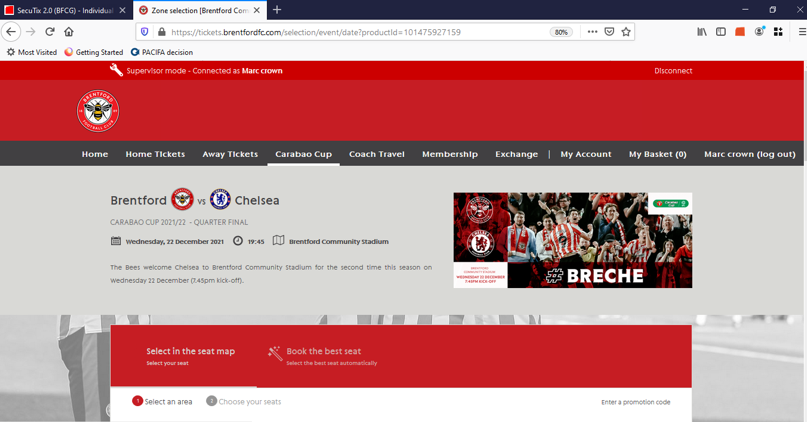
1. Select the fixture you wish to purchase
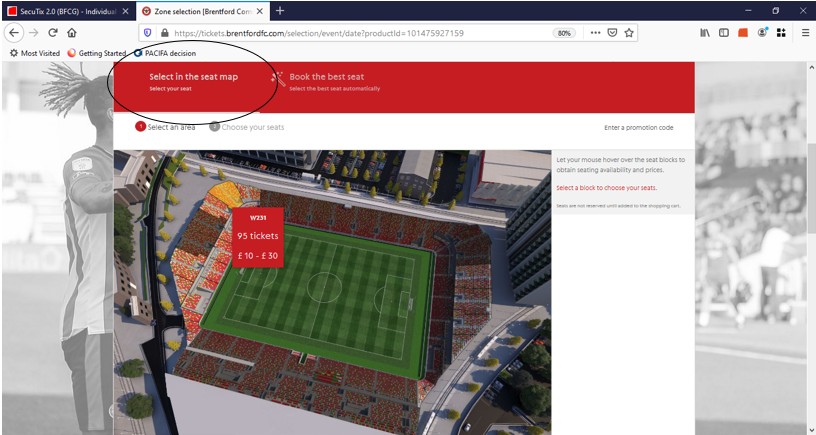
2. Click on ‘Select in the seat map’
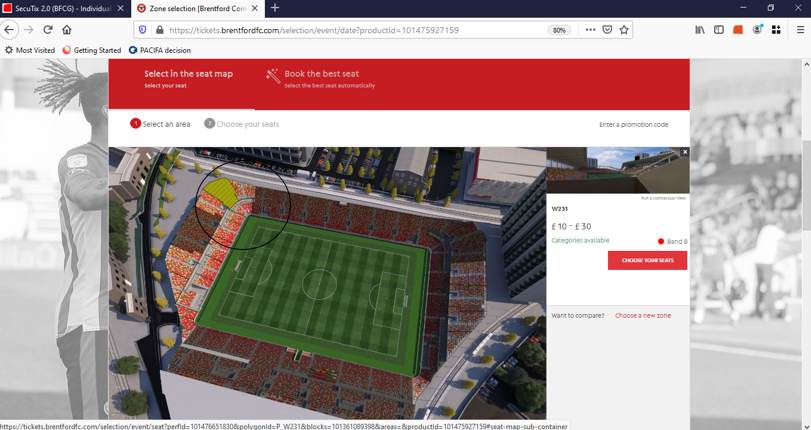
3. Select the block you would like to purchase and on then choose your seats:
4. Straight after you have ticked each seat you would like to purchase, (on the right hand side of the screen circled below) you will then need to click on the drop down menu circled below and chose the correct tariff for the seat you had just selected on the map:
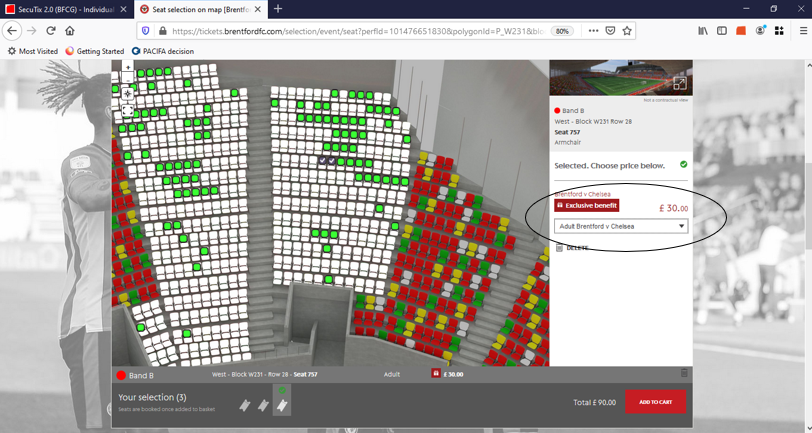
5. As explained above, please select the appropriate tariff on the right after you have selected your seat on the seat map:
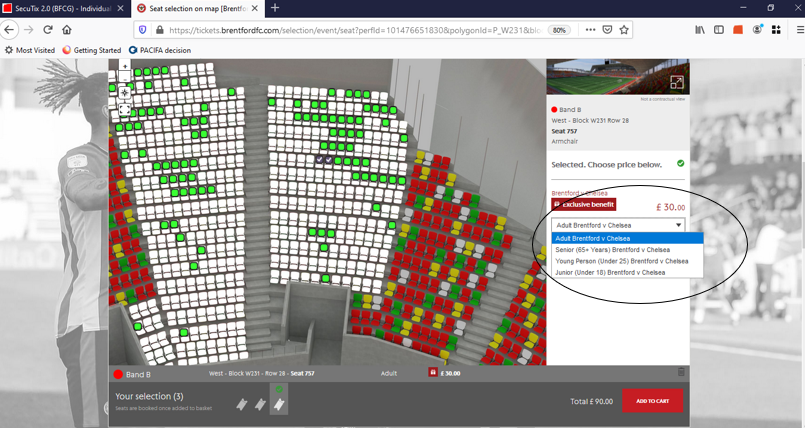
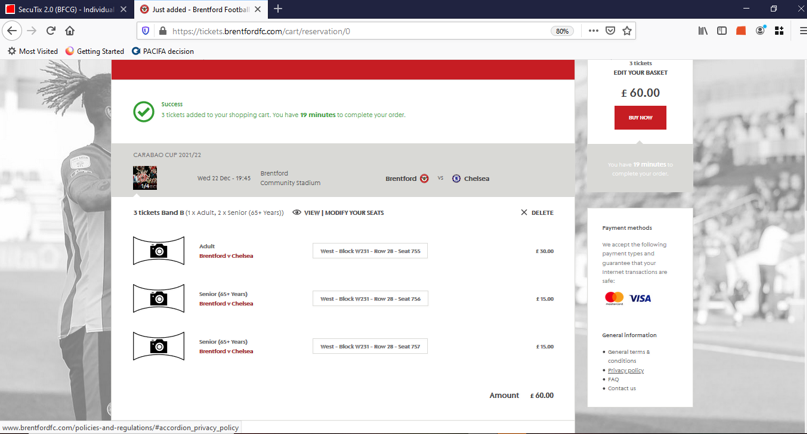
6. At this stage, you will now be presented a chance for you to review that you have selected the right tariff's and you can proceed with the payment