For cup games, Season Ticket Holders will be granted the opportunity to reserve their seats.
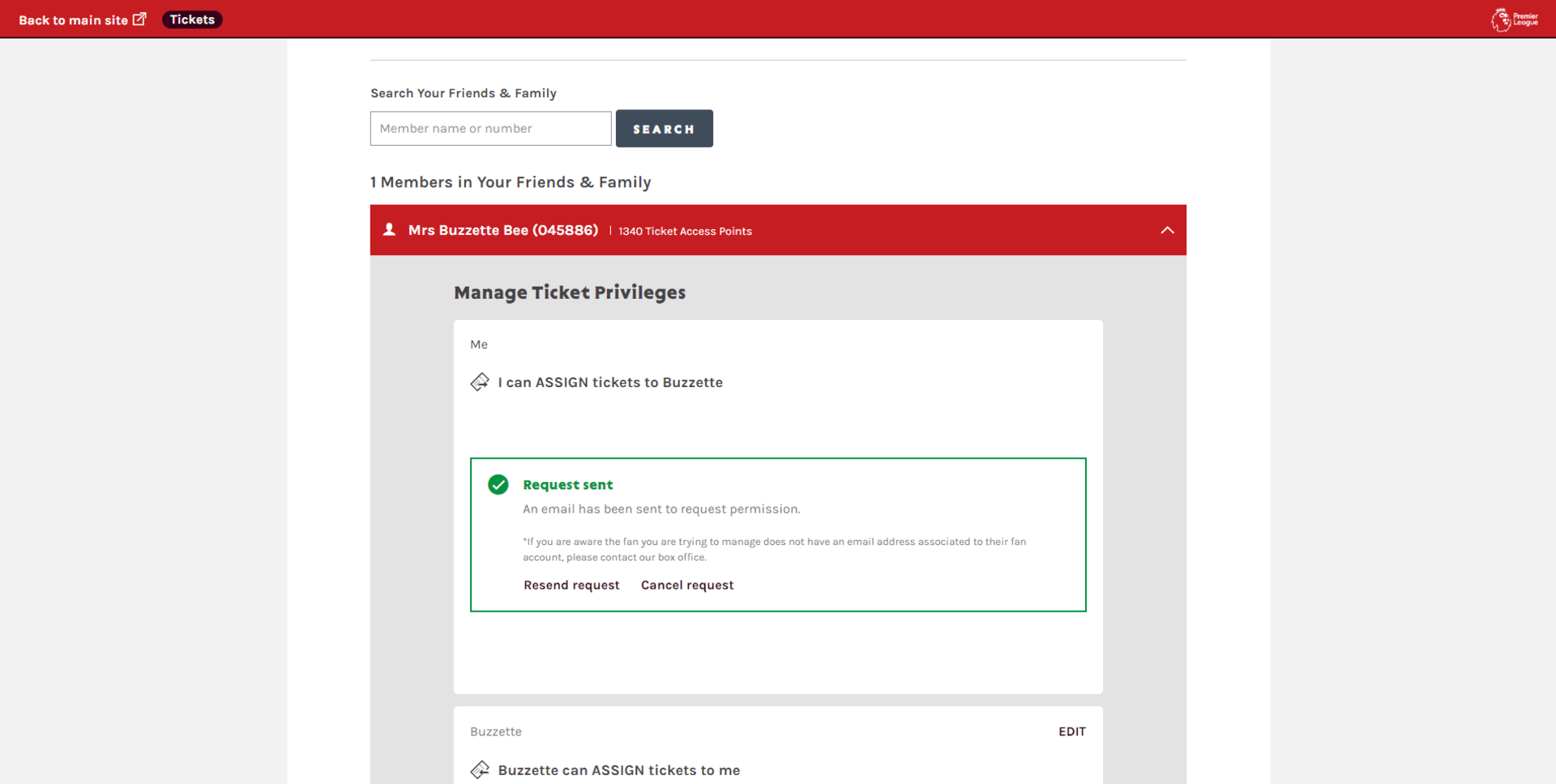
To find out how to reserve seats for your friends and family, please see "how to reserve tickets for friends and family".
Step 1.
Click on the account icon to view your personal hub.
Under notifications you will see Reserved Tickets (X) tickets.
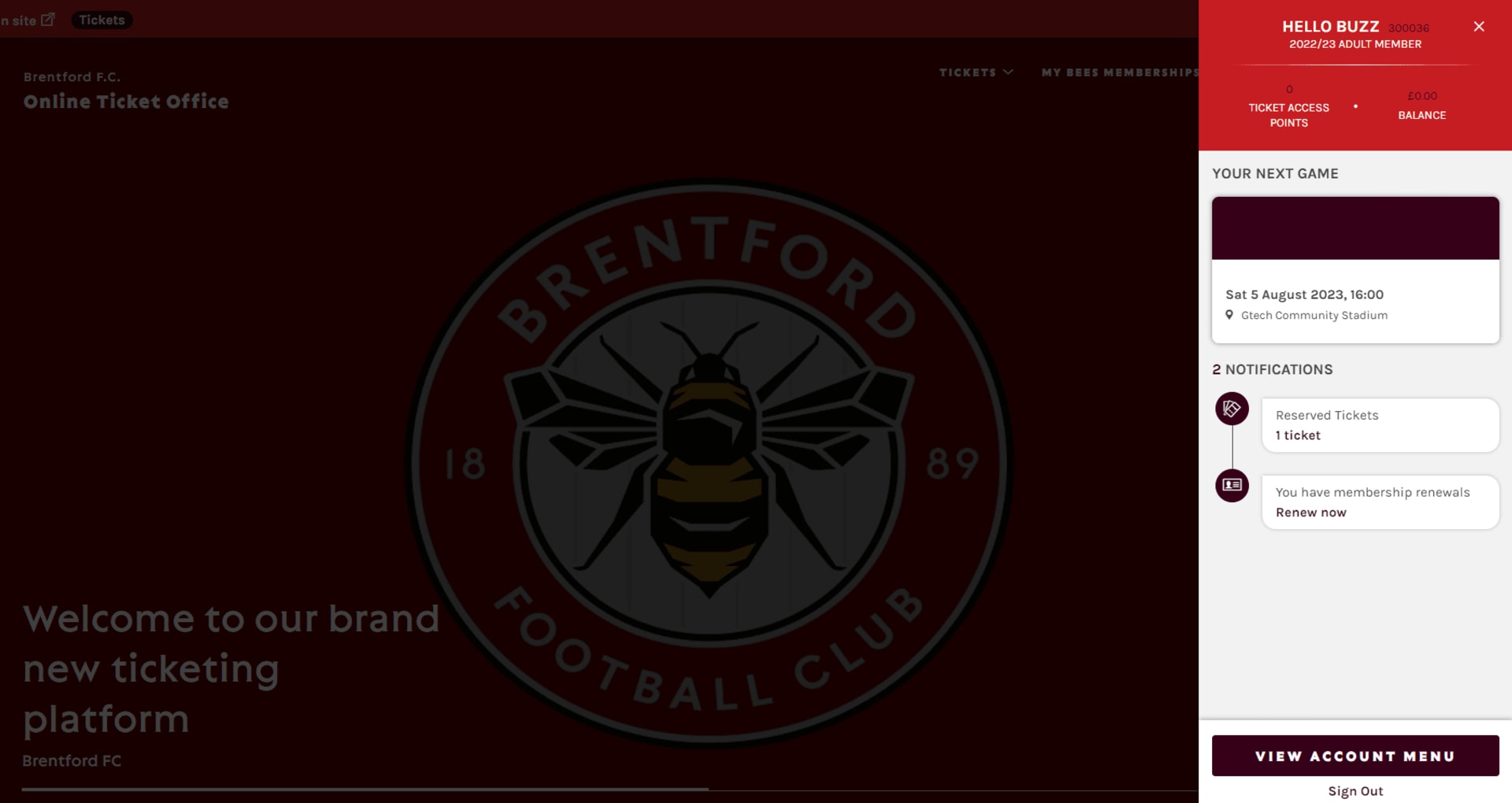
(Alternatively, to view your reserved tickets, click the account icon > view acount menu > ticketing > reserved seats.)
Step 2.
You will see your reserved tickets.

To find out how to reserve seats for your friends and family, please see "how to reserve tickets for friends and family".