
Step 1.
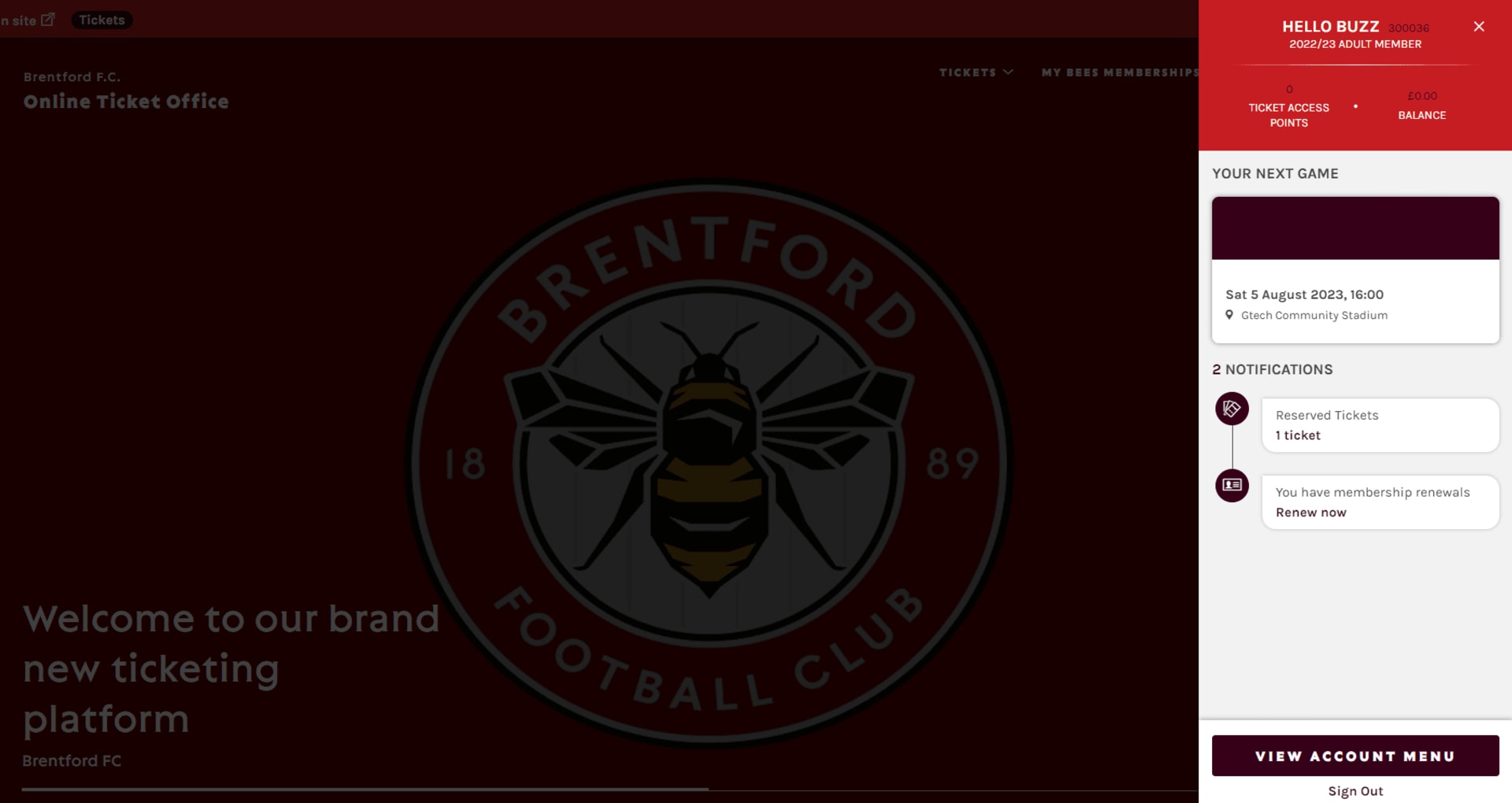
Click the account icon and log in to your account.
Step 2.
You will see a notification informing you that you have membership renewals.

Alternatively, you can click VIEW ACCOUNT MENU > TICKETING > My Membership.
Step 3.
You will be taken to the Manage Memberships page, where you will be able to see your previous My Bees Membership. You will also be able to see your Friends and Family's memberships if you are managing their accounts.
Select the memberships you wish to renew
Step 4.
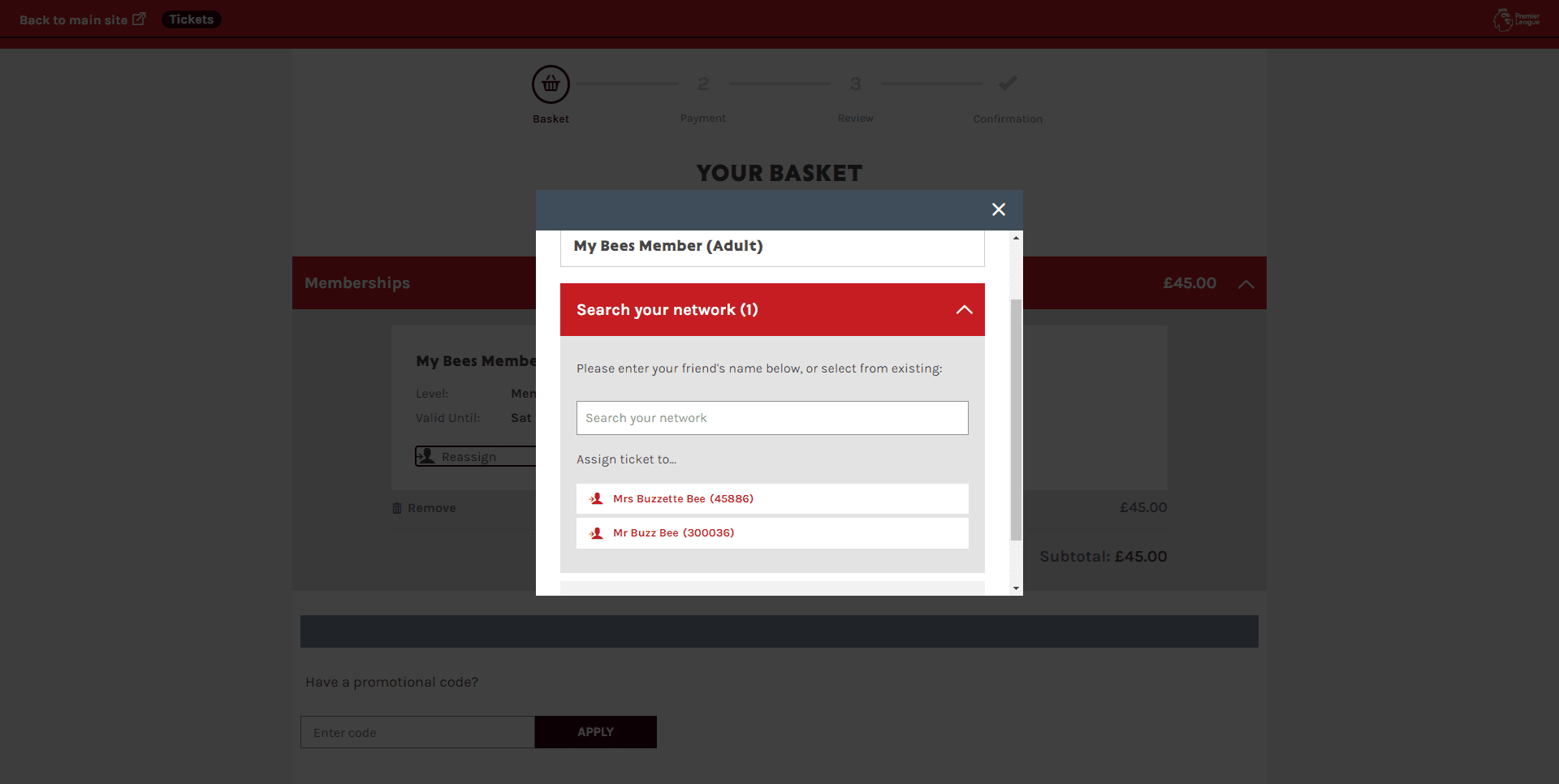
You will then be taken to your basket where you will see the prices and the memberships you are renewing. Click PROCEED TO CHECKOUT.

Step 5.
Next, input your payment details, review your order and confirm your renewals!